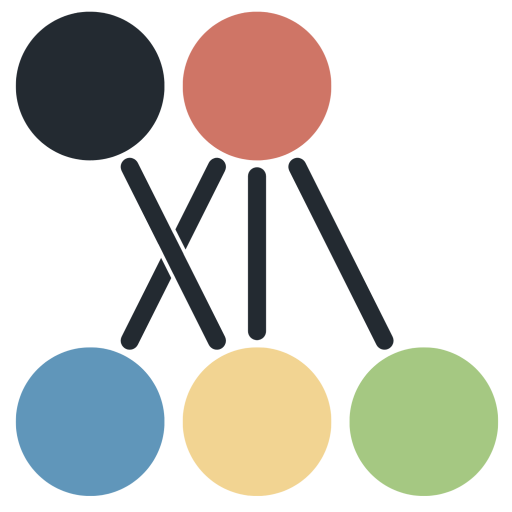
A good system saves time and reduces routine work.
The system is tailored to your needs, so you can focus on more important things.
⚫ Installation of digital systems
🟡 Integration & Automation
🔴 Logic & Routing
🔵 Communication channels
🟢 System development and customization
Let’s collaborate.
The collaboration typically takes place in three steps:
- Discussion of existing systems and requirements
- System setup/configuration/integration
- Ongoing maintenance and adaptation.
I’m happy to answer any questions.
Let’s start at the beginning.
We’ll organize and integrate your digital tools and lay a solid foundation for stable operations.
We provide advice on choosing digital tools for writing, sending, editing, and more.
We design the basic digital infrastructure: what connects to what, when and under what conditions data is sent where, etc.
We integrate digital environments and tools into a cohesive whole.
Examples:
- Set up a customer database – CRM – where all contacts are in one place.
- We set up a basic online presence (landing page, presentation pages).
- We set up forms for registrations, questions, or inquiries.
- We advise on the selection of tools for internal collaboration.
- We set up a basic system for online sales or registrations.
Let’s collaborate.
The collaboration typically takes place in three steps:
- Discussion of existing systems and requirements
- System setup/configuration/integration
- Ongoing maintenance and adaptation.
I’m happy to answer any questions.
More connections, less manual work.
We connect existing tools and automate repetitive steps across systems.
We set up and test automation workflows.
Examples:
- A submitted form creates a record in a spreadsheet or CRM.
- A new contact is automatically added to the customer list.
- A confirmation message is sent upon booking.
- Data is stored in the right place without manual intervention.
- Automatic processing of uploaded files (e.g., watermarks, tags, posts).
Let the data go where it belongs.
We determine what happens in each case and where the data is directed.
We define the data processing logic.
We process data in accordance with the rules and conditions.
We address exceptions and special cases in the system.
Examples:
- Based on the response in the form, the contact is assigned to the appropriate group.
- Different types of customers receive different next steps.
- Inquiries are directed to the right person or department.
- Under certain conditions, different processes are triggered.
The right message to the right person at the right time.
We manage and maintain communication within the system so that it runs automatically and reliably.
Examples:
- A confirmation message is automatically sent upon registration.
- The customer receives a reminder before the due date.
- Further communication is triggered after a specific event.
- Internal notifications are sent to the right person at the right time.
Ensure your system remains functional for the long term.
We ensure gradual adjustments, changes, and the stability of existing systems.
We adapt the system to changes in operations.
We add minor expansions and links as needed.
We ensure the long-term reliability of the system.
Examples:
- We adapt the system to new services or offerings.
- We update the existing logic when processes change.
- We add a new connection between tools without interfering with the entire system.
- We resolve errors or inconsistencies that arise over time.